

Prevent overtrading by enforcing an automated three-line control stack: pre-trade checks, an independent real-time watchdog running WARN, PAUSE, and KILL states, and broker-side hard limits that shut down execution regardless of what your software does. Apply these across every Tradovate account you manage, not just your primary one. The immediate next step is simple: confirm your broker-side daily loss limit is actually configured (not just planned), and enable an out-of-band watchdog that doesn't depend on the same process running your strategy.
Enabling this stack prevents three specific failure modes:
- Impulsive re-entry after a losing trade, before you've had time to think
- Correlated drawdown across accounts when one bad signal fires everywhere at once
- Silent divergence between your lead account and followers that goes unnoticed until the damage is done
Key Takeaways
Overtrading prevention requires layered, independent controls, since a single-process rule set fails exactly when a trader needs it most.
| Point | Details |
|---|---|
| Three-line defense | Combine pre-trade checks, an out-of-band monitor, and broker-side backstops so no single failure removes protection. |
| Aggregate exposure ceiling | Cap combined risk near 1% of total funded capital and set hard limits per symbol across all accounts. |
| Synchronization mode matters | Use orders mode for frequently modified strategies and executions mode for confirmed-fill replication. |
| Two-week account gate | Add new accounts only after the prior one runs two full weeks without an active drawdown event. |
| SafeFly enforcement | Automates trade mirroring, broker-side stops, and P&L lockouts across Tradovate accounts to reduce human-error risk. |
Where to Verify These Controls Yourself
- NexusFi Academy covers watchdog architecture and kill-switch threshold design in more technical detail.
- SafeFly's risk disclosure page outlines the platform's specific protections and account safeguards for readers evaluating implementation.
Table of Contents
- What Is the Automated Control Stack for Overtrading Prevention?
- How Do You Measure and Cap Aggregate Exposure Across Accounts?
- How Should Trade Copiers Synchronize Orders Across Accounts?
- Implementation Checklist Before Going Live
- How SafeFly Puts This Control Stack to Work
- Sources
What Is the Automated Control Stack for Overtrading Prevention?
Overtrading prevention works as a layered defense system, not a single rule. Three distinct lines of control, each independent of the others, catch different failure types before they compound into account-wide damage.
Line 1: pre-trade checks. These run before an order ever reaches the exchange. They enforce a maximum order size, run a price sanity check against the current market, apply rate limits (no more than X orders per minute), and restrict trading to an instrument allowlist. This layer stops fat-finger errors and runaway algorithms at the source.
Line 2: the independent monitor. This is where WARN, PAUSE, and KILL states matter most. The monitor tracks aggregate profit and loss across all accounts, margin utilization, heartbeat signal loss, and position mismatches between your lead account and followers. A typical threshold structure: WARN at about halfway to your daily loss limit, PAUSE when approaching the full limit with new-order blocking, and KILL when the daily loss limit is reached with a full flatten. According to NexusFi Academy, effective systems flatten positions if heartbeat signal is lost for more than 30 seconds, using session-aware logic that widens limit orders in thin markets before resorting to market orders.
- WARN: notify the trader, no execution change
- PAUSE: block new orders, existing positions remain open
- KILL: flatten all positions immediately, lock out new orders
Line 3: broker and exchange backstops. Broker-side daily loss limits and exchange-native protections like CME Velocity Logic operate independently of any software you run, which is exactly the point.
The precedence rule is non-negotiable: whichever state is most severe wins. If Line 1 says nothing is wrong but Line 2 has triggered KILL, the KILL state overrides everything.
Pro Tip: Never run your pre-trade checks and your risk monitor on the same process or server. If that process crashes, both protections die together. Out-of-band monitoring exists specifically to survive the failure of your primary trading engine.
How Do You Measure and Cap Aggregate Exposure Across Accounts?
Aggregate exposure, not any single account's position, is the risk unit that actually matters when you're running multiple Tradovate accounts off one strategy. A trader with five accounts each risking what looks like a modest 1% is really carrying 5% of combined capital on a single correlated signal.
Start by calculating your total combined funded capital across all accounts, then set a total exposure ceiling. TTT Markets recommends starting near 1% of combined capital and adjusting from there based on your strategy's historical drawdown profile.
From that ceiling, build hard per-symbol caps so no single instrument can consume your entire exposure budget, and scale follower accounts by equity using contract multipliers rather than copying identical size everywhere.
- Set a combined exposure ceiling before your first trade of the day, not after
- Cap exposure per symbol across all accounts combined, not per account
- Scale contract size to each follower's equity, never a flat multiplier
- Monitor aggregate delta in real time and treat 80% of your ceiling as a hard warning line
Scenario analysis adds a layer most traders skip: apply your strategy's worst historical consecutive losing streak to every account simultaneously, then check whether the combined result would breach your ceiling. If it would, your per-account sizing is too aggressive even though each account looks fine in isolation.
| Pre-Session Checklist Item | What to Verify |
|---|---|
| Current drawdown per account | No account within warning distance of its limit |
| Total open positions | Combined count fits inside daily exposure plan |
| Total capital at risk | Aggregate sum under the combined ceiling |
| Warning threshold status | Reduce size across all accounts if any one is near its limit |
How Should Trade Copiers Synchronize Orders Across Accounts?
Silent divergence between accounts is one of the most underappreciated overtrading risks. It happens when a follower account's positions quietly drift from the lead account, and nobody notices until a reconciliation check or, worse, a margin call.
Trade copiers replicate in one of two modes, and picking the wrong one for your strategy invites exactly this problem. According to TradeDupe, orders mode preserves your original intent, useful for strategies that modify or cancel frequently, while executions mode replicates only confirmed fills, better suited to strategies with fewer, more decisive entries.
Partial fills are where most configuration errors surface. Define a rounding rule in advance, and test it specifically in a low-liquidity session before trusting it live.
- Round down on partial fills as the default safer rule
- Capture fill timestamps and tick slippage on every trade
- Set an acceptable slippage baseline and alert when trades exceed it
- Run rogue-trade detection continuously to catch mismatches between lead and follower positions
- Detect the mismatch between lead account and follower positions
- Trigger reconciliation and attempt auto-recovery
- If auto-recovery fails, flatten all followers manually in under 60 seconds using a documented, rehearsed procedure
Implementation Checklist Before Going Live
Roll out overtrading controls in stages, never all at once across every account you manage.
- Simulate partial fills, heartbeat loss, and kill-switch triggers in a test environment before any live deployment
- Confirm both platform-level AND broker-side daily loss limits are active, and that neither can be casually reconfigured mid-session
- Add new accounts on a two-week gate: no additional account joins until the prior one has run two full weeks without an active drawdown event
- Log every override with a timestamp and a tagged reason, and schedule a mandatory debrief before the next session
- Review weekly: slippage reports, execution deviations between lead and followers, and aggregate exposure trends over the prior five sessions
Pro Tip: Test your kill switch in a simulated environment during a low-liquidity window, not during normal market hours. Most configuration failures reveal themselves under thin conditions, exactly when you need the system to work correctly.
Daily loss locks, trade caps, and cooldown timers matter here too. MyLinedChart recommends a mandatory shutdown condition once a session's rules trip, paired with a 30-day logging sprint to identify which thresholds need tightening.
Discipline, Overrides, and What Actually Prevents Overtrading
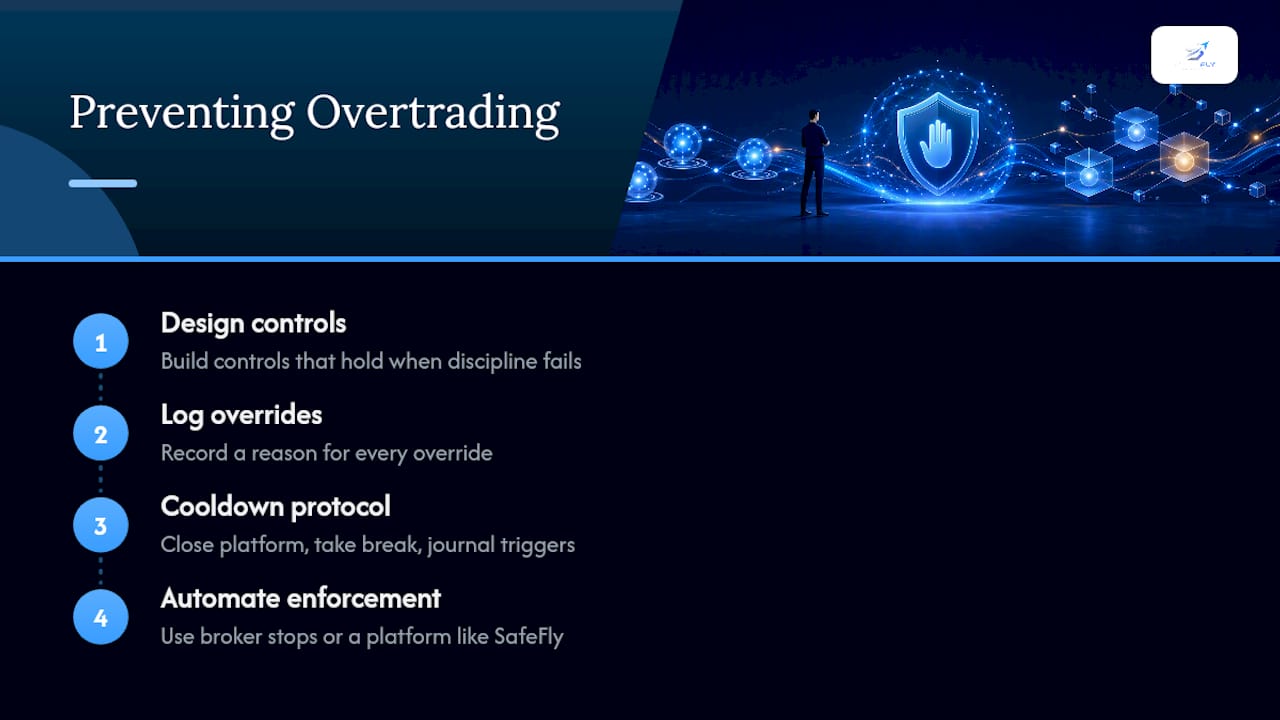
Overtrading is a design failure, not a willpower failure. Traders who treat it as a discipline problem keep losing to it; traders who treat it as an engineering problem build controls that hold when discipline runs out.
Every override deserves a logged reason and a debrief later, regardless of outcome. A profitable override is not proof the rule was wrong, it's a data point that the rule got tested and the trader got lucky. Build a cooldown protocol: close the platform, take a physical break, journal what triggered the urge, review it later with a clear head. Automating enforcement, whether through broker-side stops or a platform like SafeFly, removes the moment where willpower is asked to do a machine's job.
— Arturo
How SafeFly Puts This Control Stack to Work
SafeFly is built around the exact stack this article describes, applied automatically across every Tradovate account you manage. It mirrors trades from your lead account to followers with a protective stop attached to each execution, so a disconnection never leaves a position unguarded. Daily profit and loss lockouts run independently of your trading process, and the platform's execution watchdog checks for exactly the kind of silent divergence that ruins multi-account setups. Detailed trade analytics and AI coaching layer on top, giving you visibility into slippage and execution quality without building a monitoring system yourself.

This fits serious futures traders running multiple funded or personal Tradovate accounts who need enforcement that doesn't depend on remembering to check a dashboard. Secure OAuth integration connects your accounts without handing over credentials. Visit the how it works page to see the full setup, or start a 3-day trial to test broker-side stops and lockouts on your own accounts before committing.
Sources
- Automated Risk Controls for Futures Trading - NexusFi Academy
- Risk Management for Multi-Account Prop Firm Traders
- Stop Overtrading: Daily Loss Locks, Trade Caps & Rules